
TL;DR

Prime made for students and young adults
- Fast, free delivery for dorm and study essentials
- Prime Video and Amazon Music included
- Member-only deals
Selecting a dorm printer requires considering size, cost, connectivity, and volume. A compact, wireless monochrome laser printer often offers the best balance for students, saving money and space while ensuring reliable printing.
Imagine a tiny, humming box on your desk, ready to print out a 10-page paper or a colorful project with ease. That’s what choosing the right dorm printer is about—finding a device that fits your space, meets your needs, and doesn’t drain your budget. With so many options out there, it’s easy to get overwhelmed.
In this guide, you’ll learn exactly what to look for—types, features, costs, and space considerations—so you can make a smart choice. No fluff, just real-world advice to help you print confidently during your college years.
Prioritize laser printers for cost-effective, fast black-and-white printing, especially if color isn’t essential.
Measure your dorm space carefully—compact models like the HP LaserJet Pro M15w fit small rooms easily.
Wireless and multi-function features save space, time, and hassle, making your printing process smoother.
Long-term costs matter: high-yield toner or refillable ink tanks cut expenses significantly over time.
Refurbished printers can be reliable and cheaper if bought from reputable sources with warranties.
What type of dorm printer fits your college life best?
Not all printers are created equal. For students, the two main choices are laser and inkjet. Laser printers excel at printing sharp, clean black-and-white documents quickly and cheaply. They’re perfect if you mostly print essays, notes, or reports. Inkjet printers, on the other hand, are better for vibrant color printing, like posters or art projects, but tend to be pricier to run.
Choosing between them involves understanding your typical printing workload. For example, if most of your work is text-based, a monochrome laser printer provides faster printing with lower ongoing costs, making it a smart investment. However, if you frequently print images or presentations requiring color, an inkjet might be necessary despite higher costs per page. Be aware that laser printers tend to be bulkier and more expensive initially, but their long-term savings and speed often outweigh these factors for most students.
Tradeoffs include speed versus color quality, upfront cost versus ongoing expenses, and size versus multifunctionality. Your choice should align with your primary printing needs and space constraints.
Understanding these differences helps you weigh what matters most—whether it’s speed, cost, color, or size—and how those priorities impact your overall budget and dorm setup.
Popular right now

Bose QuietComfort True Wireless Noise-Cancelling Earbuds, Black

Bose QuietComfort Ultra Wireless Noise-Cancelling Headphones with Spatial Audio, Black

Bose QuietComfort Wireless Noise Cancelling Headphones, Sandstone
As an affiliate, we earn on qualifying purchases.
How to pick a printer that won’t eat up your dorm room’s tiny space
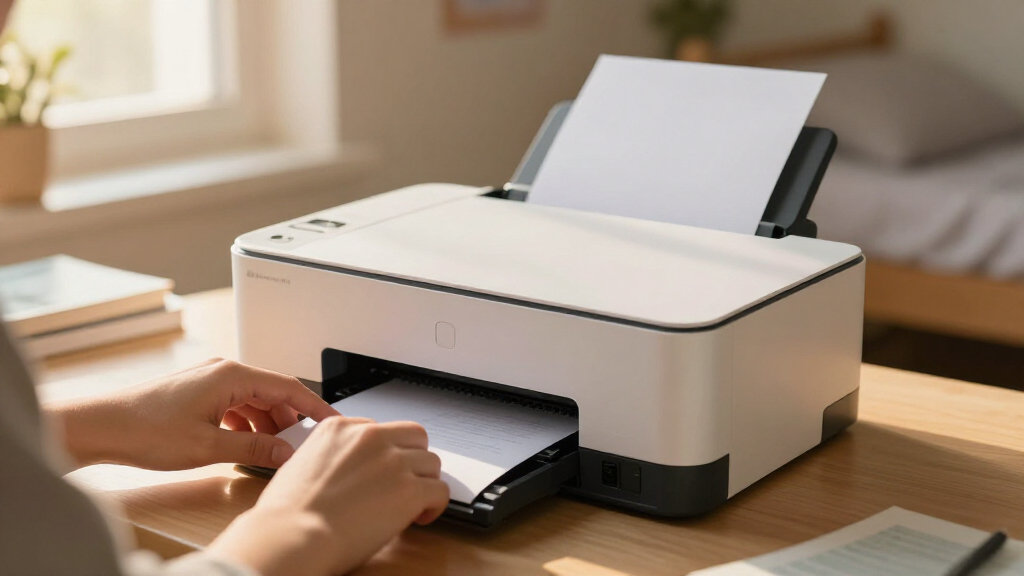
Space is king in dorms—so size matters. Look for compact models that can slide into a corner or fit on a small desk. But beyond measuring dimensions, consider how the printer’s design impacts usability. For instance, a model with a fold-down paper tray or a sleek, vertical profile can save significant space. Additionally, multi-function printers that combine printing, scanning, and copying in a single device reduce the need for multiple gadgets, freeing up room and simplifying your setup.
Understanding your dorm layout is crucial. Measure available space carefully, including clearance for opening trays or accessing controls. Also, consider future needs—if you anticipate printing larger documents or more pages, ensure the model can handle that without compromising your limited space. Choosing a device with a small footprint but versatile features can make a big difference in maintaining an organized, functional dorm desk.
Tip: When shopping, look for models explicitly designed for small spaces or with adjustable trays and compact footprints. This reduces clutter and keeps your study area tidy and efficient.
Remember, a space-conscious printer isn’t just about size—it’s about how well it integrates into your living area without sacrificing functionality or convenience, ultimately helping you stay organized and focused on your studies.
What features make a dorm printer truly student-friendly?
Wireless connectivity is a must for students—no more tangled cords or limited desk space. Support for Wi-Fi, Wi-Fi Direct, or cloud printing options like Google Cloud Print or Apple AirPrint allows you to print from multiple devices effortlessly, which is essential when juggling laptops, tablets, and smartphones. Multi-function models that scan, copy, and print save space and reduce the need for additional devices, streamlining your workflow.
Automatic duplex printing is more than just a convenience; it’s an eco-friendly feature that can significantly cut paper usage, saving money and reducing your environmental impact. A paper tray with at least 150 sheets helps handle multiple assignments without constant refilling, especially during busy periods. Also, ensure compatibility with your mobile devices and operating systems to avoid connectivity issues that can disrupt your workflow.
Imagine starting a print job from your phone while commuting, then picking up the printed pages in the dorm lounge—this seamless experience saves time and effort, making your college life more efficient.
Overall, prioritize features that enhance convenience, reduce clutter, and support your digital lifestyle, turning your printer into a true study partner.
Choosing a printer with these features means investing in a device that adapts to your busy student life, helps you stay organized, and minimizes frustration—essential qualities for managing academic and personal tasks with ease.
How much will your dorm printing cost? Here’s what to expect
Ongoing costs are often overlooked but can make or break your budget. Inkjet printers typically have lower upfront prices—sometimes under $100—but their ink cartridges can cost $15-$30 each and last for 100-300 pages. This means frequent replacements and higher per-page costs, especially for color printing. Laser printers, while more expensive initially ($150-$300), have toner cartridges that yield thousands of pages, drastically reducing the cost per page over time.
Understanding these long-term costs is crucial. For example, high-yield toner cartridges can lower your printing expenses by up to 40%, making laser printers more economical in the long run. Refillable ink tanks for some inkjets also help cut expenses by allowing you to buy ink in bulk and refill your cartridges, reducing waste and cost.
Implication: While initial costs are important, considering the ongoing expenses ensures you choose a printer that remains affordable throughout your college years. A laser printer with high-yield toner might cost more upfront but can save you hundreds of dollars over your college career, especially if your printing volume is high.
Example: Printing 200 pages each semester with a toner costing $60 results in a per-page cost of just a few cents, compared to the more expensive inkjet options which can cost over $0.20 per page for color prints.
Deep understanding of long-term costs helps you avoid surprise expenses and select a printer that aligns with your printing habits, ensuring you don’t overspend or compromise on quality when it matters most.
Frequently Asked Questions
What is the best type of printer for a student’s dorm room?
A compact monochrome laser printer usually offers the best balance of speed, cost, and space efficiency for most students. If color printing is a must, consider a small inkjet with wireless features.
How much does it cost to operate a dorm printer?
Operating costs depend on ink or toner prices, page yields, and usage. Laser toner cartridges, for example, can print thousands of pages for around $60, making the cost per page very low. Inkjet cartridges are cheaper upfront but need frequent replacing, which adds up over time, especially with color printing.
Can I print from my phone or tablet?
Yes, most modern dorm printers support mobile printing via Wi-Fi, AirPrint, Google Cloud Print, or proprietary apps. This enables you to print directly from your devices effortlessly, saving time and avoiding the need to transfer files via USB or email.
Are wireless printers reliable in a dorm environment?
Generally, yes. If your printer supports modern Wi-Fi standards and is set up correctly, it can handle multiple devices and maintain a stable connection. However, dorm Wi-Fi networks can sometimes be congested, so choosing a router-compatible printer with good signal strength and security features helps ensure consistent performance.
What features should I prioritize for college printing?
Wireless connectivity, multi-functionality (print, scan, copy), compact size, and low operating costs are essential. These features streamline your workflow, conserve limited space, and keep your printing affordable, especially during exam periods or heavy assignment loads.
Conclusion
Choosing the best dorm printer isn’t about the flashiest features or lowest price—it’s about matching your needs with a device that’s reliable, space-friendly, and affordable to run. Think compact, wireless, and cost-efficient, and your printing stress will disappear.
Next time you see a tiny printer buzzing on a desk, remember: it’s probably doing more work than you realize—saving you time, money, and space during those late-night study sessions.