
TL;DR

Prime made for students and young adults
- Fast, free delivery for dorm and study essentials
- Prime Video and Amazon Music included
- Member-only deals
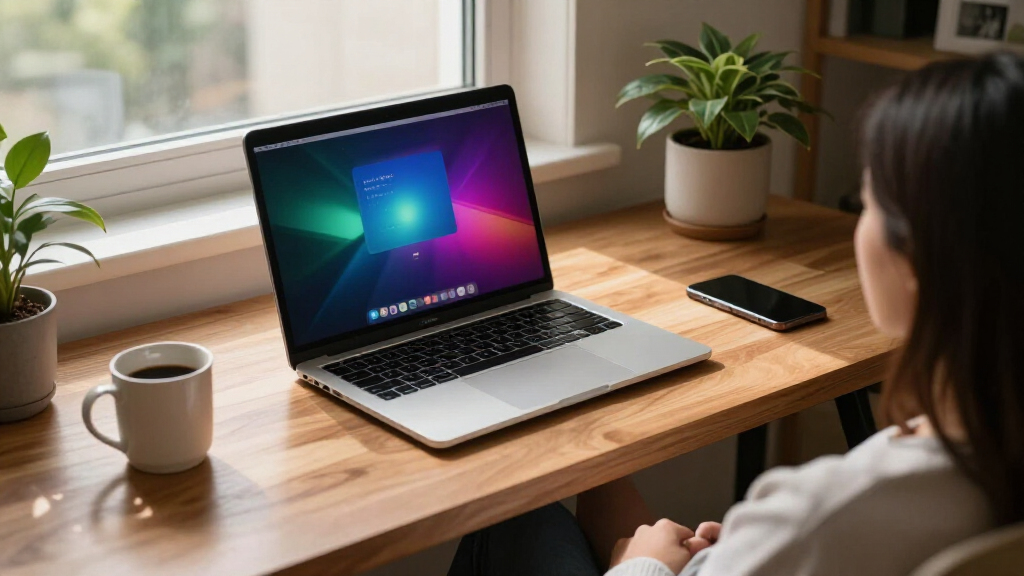
A developer has created a solution that allows users to run the classic After Dark screensavers on recent macOS systems. This development restores a nostalgic feature for Mac users and highlights ongoing efforts to preserve vintage software compatibility.
A developer has released a new tool that allows users to run the original After Dark screensavers on modern macOS systems. This development offers a way to revive a popular nostalgic feature that was previously incompatible with recent Mac operating systems, making it accessible again for enthusiasts and collectors.
The tool, named Afterglow, is designed to enable the execution of classic After Dark screensavers—famous for their whimsical animations—on macOS versions from Catalina onward. According to the developer, Afterglow works by creating a compatibility layer that emulates the environment needed for the original screensavers, which were built for older Mac OS versions.
Apple’s transition to 64-bit architecture with macOS Catalina in 2019 led to the removal of many legacy applications, including the original After Dark software. As a result, users seeking to run these screensavers faced incompatibility issues. The developer behind Afterglow claims that their tool circumvents these restrictions, allowing the screensavers to run seamlessly on current systems.
Initial testing indicates that Afterglow successfully launches and displays the classic screensavers, such as ‘Flying Toasters’ and ‘Aquarium,’ on macOS Ventura and later versions. The developer emphasizes that the tool is open-source, encouraging community involvement for further improvements and troubleshooting.
Reviving Nostalgic Software for Modern Users
This development matters because it preserves a piece of software history that was lost due to system updates. For enthusiasts, designers, and developers, it provides a tangible connection to vintage Mac aesthetics and user experiences. Additionally, it highlights ongoing efforts within the tech community to maintain legacy software compatibility and foster digital preservation. The ability to run classic screensavers on current hardware also underscores the importance of open-source solutions in maintaining access to historical digital artifacts.Popular right now

KitchenAid Classic Series 4.5-Quart Tilt-Head Stand Mixer, Onyx Black

Breville Barista Express Espresso Machine, Black Sesame

Ninja Flip Toaster Oven & Air Fryer, Large Capacity, Stainless, SP151
As an affiliate, we earn on qualifying purchases.
Legacy Screensavers and macOS Compatibility Challenges
The original After Dark screensavers, developed in the late 1980s and early 1990s, became iconic for their playful animations and creative designs. They were widely used on classic Mac OS systems and later on early versions of Mac OS X. However, with the transition to 64-bit architecture in macOS Catalina, Apple discontinued support for 32-bit applications, including the original After Dark software. This created a gap for users who wanted to preserve or experience these vintage screensavers. Several community efforts and third-party tools have attempted to address this, but until now, there was no reliable way to run the original software on the latest macOS versions.Technical Limitations and Compatibility Concerns
While initial reports suggest that Afterglow works on macOS Ventura and later, it is not yet confirmed whether all screensavers or features are fully compatible across different hardware configurations. Some users have reported minor glitches or crashes, and ongoing updates may be necessary to ensure stability. It is also unclear if future macOS updates could affect the tool’s functionality or if additional patches will be required.Expected Updates and Community Involvement
Developers plan to release further updates to improve stability and compatibility. Community feedback will likely shape future iterations, and more vintage screensavers may be added to the supported list. Additionally, the project may inspire similar efforts to preserve other legacy software and digital experiences. Users are encouraged to follow the project’s GitHub repository for the latest developments and troubleshooting guides.Key Questions
Is Afterglow available for free?
Yes, Afterglow is an open-source project released freely on GitHub, allowing anyone to download and use it.
Does Afterglow work on all Mac models?
While initial reports are promising for recent Macs running macOS Ventura and later, compatibility may vary depending on hardware and system configuration. Some users might encounter minor issues.
Can I run all original screensavers with Afterglow?
Most popular screensavers like ‘Flying Toasters’ are supported, but some less common or heavily modified screensavers may not work perfectly. Ongoing development aims to expand support.
Will using Afterglow affect my system stability?
The developer reports that Afterglow is designed to be safe, but as with any third-party tool, users should back up their data before use and monitor system behavior during initial runs.
Are there legal issues with running these screensavers?
Since the software is open-source and the original screensavers are considered software artifacts from the public domain or abandoned by their creators, legal concerns are minimal. However, users should verify licensing for specific screensavers if they plan to distribute or modify them.
Source: hn